
Benefits of Real Time Accounting System Vs Backlog for Tax Purpose
The benefits of real-time accounting are clear when we compare it to backlog accounting, especially for tax purposes. Real-time systems help businesses stay accurate, avoid penalties, and make smart decisions. With the help of real-time accounting software, you can manage accounts easily and on time.
Let’s explore how this system works and why it’s better than waiting till year-end to record your data.
What is real-time Accounting?
Real-time accounting means recording your business transactions as they happen. This method keeps your books up to date all the time. You can use modern accounting software to handle this task with less effort.
Instead of collecting bills and invoices and entering them later (which happens in backlog accounting), real-time accounting updates your books every day. This gives you a clear view of your finances at any moment.
What is Backlog Accounting?
Backlog accounting is when you record all your transactions after a long delay. It could be done monthly, quarterly, or even yearly. This method was common before digital tools became available.
But it has major drawbacks:
- You may forget or lose documents
- Your numbers may not be accurate
- It’s hard to track expenses or income
- Tax filing becomes stressful and prone to mistakes
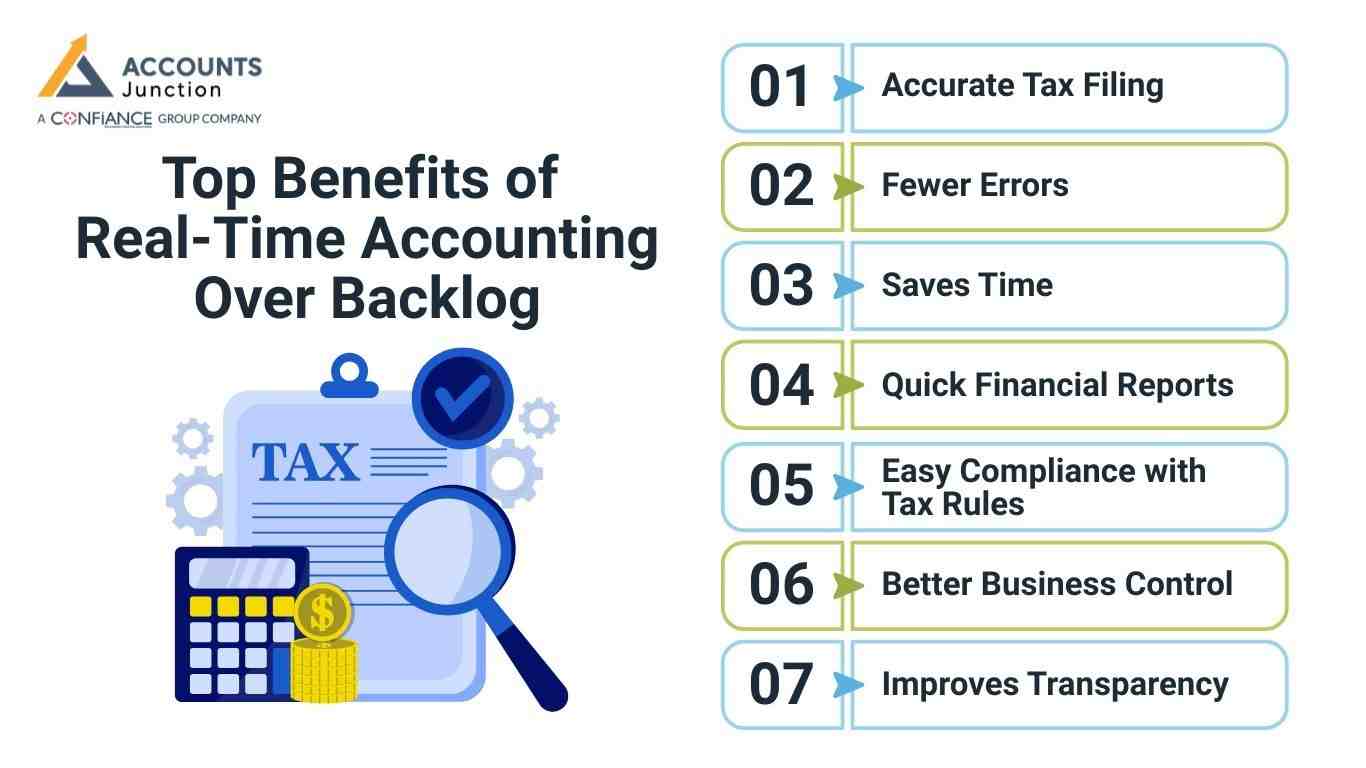
Top Benefits of Real-Time Accounting Over Backlog
Let’s look at the key advantages of using real-time accounting software instead of the backlog method. The benefits of real-time accounting include keeping your books updated at all times. One benefit of real-time accounting is saving time at tax time.
1. Accurate Tax Filing
- When your records are always up to date, your tax reports are accurate. File returns on time with the right data. This helps avoid late fees and legal problems.
2. Fewer Errors
- Manual backlog entries often cause errors. In real-time, you enter data with all the correct details still fresh. Some accounting software even pulls data directly from bank accounts or invoices.
3. Saves Time
- Real-time systems save time during tax season. You don’t have to spend days gathering data. Everything is already there.
4. Quick Financial Reports
- Real-time tools allow you to see profit, loss, and cash flow anytime. You don’t need to wait for a quarterly review. This helps you make faster decisions.
5. Easy Compliance with Tax Rules
- With real-time accounting, your system can stay updated with the latest tax laws. Many accounting software programs have built-in rules to help with GST, VAT, TDS, and more.
6. Better Business Control
- You can easily track all your cash flow, both incoming and outgoing. If there’s a problem, you can spot it early. This kind of control is not possible with backlog systems.
7. Improves Transparency
- Everything is recorded right away. So, if the tax department audits your business, you have clean records ready. A good real-time accounting software will also keep a digital trail for every action.
With real-time accounting, you get clear reports, another benefit of real-time accounting.
Key Features of Real-Time Accounting Software
Here’s what to look for in modern accounting software:
-
Cloud Access
Check your accounts from anywhere.
-
Bank Sync
Connect your bank to record transactions.
-
Auto Reminders
Get alerts for tax dates or unpaid bills.
-
Data Backup
Keeps your records safe from loss.
-
User-Friendly
Simple dashboards and easy navigation.
-
Secure
Encryption and password protection for safety.
Real-Time Accounting vs Backlog Accounting – A Simple Comparison
|
Feature |
real-time Accounting |
Backlog Accounting |
|
Data Entry |
Instant recording |
Delayed entry |
|
Error Rate |
Very low with automation |
High due to memory/loss |
|
Tax Filing |
Easy and on time |
Stressful and often late |
|
Cost |
Saves time and labor |
More manual effort |
|
Business Decisions |
Quick insights available |
Slow reporting |
|
Audit Readiness |
Always ready |
Needs last-minute cleanup |
Why Accountants Prefer Real-Time Accounting
Many accountants today recommend real-time systems. It saves them hours of cleaning up backlog messes. Plus, it helps clients avoid fines and build better businesses.
With the right real-time accounting software, even small businesses can keep clean books. You don’t need a large finance team.
Who Should Use Real-Time Accounting?
Freelancers and Consultants
- They can track their income and expenses easily and stay ready for tax season.
Small Business Owners
- It helps them manage daily finances without needing a full-time accountant.
Retail Shops
- They can monitor sales and expenses in real-time and keep their books error-free.
Online Sellers
- It syncs sales from all platforms and gives clear insights into daily earnings.
Startups
- Startups get instant financial reports to help plan, grow, and attract investors.
Anyone Who Wants to Avoid Tax Trouble
- It keeps your tax records current and saves you from a last-minute rush and fines.
Tips for Shifting from Backlog to Real-Time Accounting
-
Start Fresh
Choose a new month to begin clean tracking.
-
Pick the Right Software
Look for tools that suit your business size.
-
Train Your Team
Make sure staff know how to enter data daily.
-
Keep Digital Records
Save invoices, receipts, and reports in the cloud.
-
Review Weekly
Set a day to check your accounts every week.
How Real-Time Accounting Can Help with Cash Flow Management
1. Instant Cash Position
- See exactly how much cash your firm has now, one of the key benefits of real-time accounting system vs backlog for tax purposes.
- Avoid overdrafts or extra loans during slow periods, showing the benefits of real-time accounting system in managing cash flow over backlog for tax purposes.
- Make short-term money choices fast with live reports, a clear benefit of real-time accounting system compared to backlog for tax purposes.
2. Track Receivables
- Watch customer payments as soon as they arrive.
- Spot overdue bills quickly to act on them.
- Improve collections with instant reminders for payments.
3. Track Payables
- Know which bills are due this week or month.
- Avoid late charges with careful payment planning.
- Schedule payments to keep your business running smooth.
4. Budget Monitoring
- Compare cash in and out against planned budgets.
- Spot overspending before it causes major problems.
- Adjust daily operations based on live cash flow.
5. Alerts and Notifications
- Set reminders for low cash or unpaid bills.
- Avoid missed payments that hurt your credit score.
- Get alerts for unusual or risky transactions fast.
6. Predict Cash Needs
- Use past data to plan future cash needs.
- Keep enough funds ready for bills or costs.
- Plan short-term loans ahead when cash is low.
Real-Time Accounting and Business Growth
1. Quick Financial Insights
- Access profit and loss reports every single day, highlighting the benefits of real-time accounting system versus backlog for tax purposes.
- Spot sales or cost trends quickly to adjust fast.
- Make smarter choices with live financial information.
2. Identify Top Products or Services
- See which products sell most using daily reports.
- Adjust stock or marketing plans based on real data.
- Focus on top revenue areas for faster growth.
3. Investment Planning
- Check extra cash to reinvest in your business.
- Decide on hiring, ads, or growth more wisely.
- Avoid waste by reviewing the correct financial data.
4. Attract Investors
- Show live reports to new investors or partners.
- Prove transparency and skill with current data.
- Build trust with clean financial records at all times.
5. Resource Allocation
- Find departments or products needing more funds.
- Move cash where it will earn higher returns.
- Cut wasted spending by focusing on key areas.
6. Strategic Decision-Making
- Plan long-term using data from live accounting.
- Spot chances or risks early before they grow.
- Cut guesswork and improve daily business choices.
Common Challenges and Solutions When Switching to Real-Time Accounting
1. Resistance to Change
- Staff may resist using new accounting software.
- Give step-by-step training to boost adoption fast.
- Show clear benefits to win staff support quickly.
2. Messy Old Records
- Past records may be incomplete or poorly kept.
- Start fresh from a new month or quarter.
- Convert old papers to reduce errors in entries.
3. Data Migration Issues
- Moving old data may create mistakes in system.
- Use tools with simple import to ease migration.
- Check records after moving to ensure they are right.
4. Software Selection
- Wrong software may cause big business frustration.
- Pick software that fits your current business needs.
- Check for bank sync, mobile use, and tax updates.
5. Daily Data Entry
- Staff may forget to log transactions on time.
- Use reminders to keep entries regular and correct.
- Make data entry part of staff's daily routine.
6. Security Concerns
- New tools may cause worry about data safety.
- Ensure software uses strong encryption and daily backup.
- Limit sensitive data access to only trusted staff.
7. Learning Curve
- New software can feel hard for new staff.
- Give hands-on training and clear, simple guides.
- Start with the basics and expand use over time.
The benefits of real-time accounting are easy to see when compared to backlog work. It saves time, helps you follow tax rules, and supports smart choices. With real-time accounting software, you gain a clear edge. Your books stay clean, with fewer errors and less stress at tax time. Accounts Junction gives expert help with real-time accounting to keep your business tax-ready. Our team gives simple, on-time reports made to fit your needs.
FAQs
1. What is real-time accounting used for?
- It is used to record business transactions as they happen, one of the main benefits of real-time accounting system vs backlog for tax purposes.
2. Is real-time accounting better for taxes?
- Yes, it helps file accurate returns and avoids fines or delays, highlighting the benefits of a real-time accounting system for tax purposes compared to a backlog.
3. Can small businesses use real-time accounting software?
- Yes, most software today is simple and made for small business owners.
4. Does real-time accounting reduce errors?
- Yes, it reduces human mistakes by automating entries and syncing data.
5. What happens if I don’t switch from the backlog?
- You risk late filings, poor decisions, and possible penalties from the tax office.
6. Is accounting software expensive?
- Not always, many tools are affordable and even offer free basic versions.
7. Can I use real-time accounting without an accountant?
- Yes, but an accountant can still help you check your reports and file taxes.
8. Can real-time accounting help with GST or VAT filing?
- Yes, current records may allow easy tracking and preparation for GST or VAT. It may reduce errors and simplify submission.
9. Will small errors in real-time accounting affect tax filing?
- Minor mistakes can happen, but they may be easier to spot and correct quickly. Regular checks help maintain accuracy.
10. Can freelancers manage real-time accounting alone?
- Yes, simple software may allow freelancers to track income and expenses. But consulting an accountant may ensure tax compliance.
11. Does cloud accounting improve real-time updates?
- Yes, cloud-based systems can sync transactions instantly. You may check your accounts from anywhere anytime.
12. How does bank syncing help in real-time accounting?
- It may reduce manual entries and errors. Transactions may appear automatically for easier reconciliation.
13. Can startups save money using real-time accounting?
- Yes, early visibility into finances may prevent overspending. Efficient record-keeping may also avoid late fees.
14. Is real-time accounting suitable for retail shops?
- Yes, shops may track daily sales and cash flow instantly. Errors in daily accounts may be minimized.
15. Does real-time accounting improve investor confidence?
- Yes, clean and updated records may show professionalism. Investors may trust businesses with transparent books.
16. Can online sellers integrate multiple platforms in real-time?
- Yes, modern software may sync sales from multiple platforms. This may reduce manual work and mistakes.
17. How often should a business review real-time accounts?
- Weekly or even daily checks may help catch mistakes early. Regular reviews may improve planning and compliance.
18. Can real-time accounting prevent late payments?
- Yes, automated reminders and instant visibility of invoices may ensure timely collections.
19. Will switching to real-time accounting require hiring more staff?
- Not always. Small businesses may manage with existing staff if software is user-friendly.
20. Can real-time accounting support loan applications?
- Yes, up-to-date books may provide accurate financial statements. Lenders may prefer current and clear records.
21. Does real-time accounting reduce manual paperwork?
- Yes, automated entries and digital storage may cut down physical paperwork.